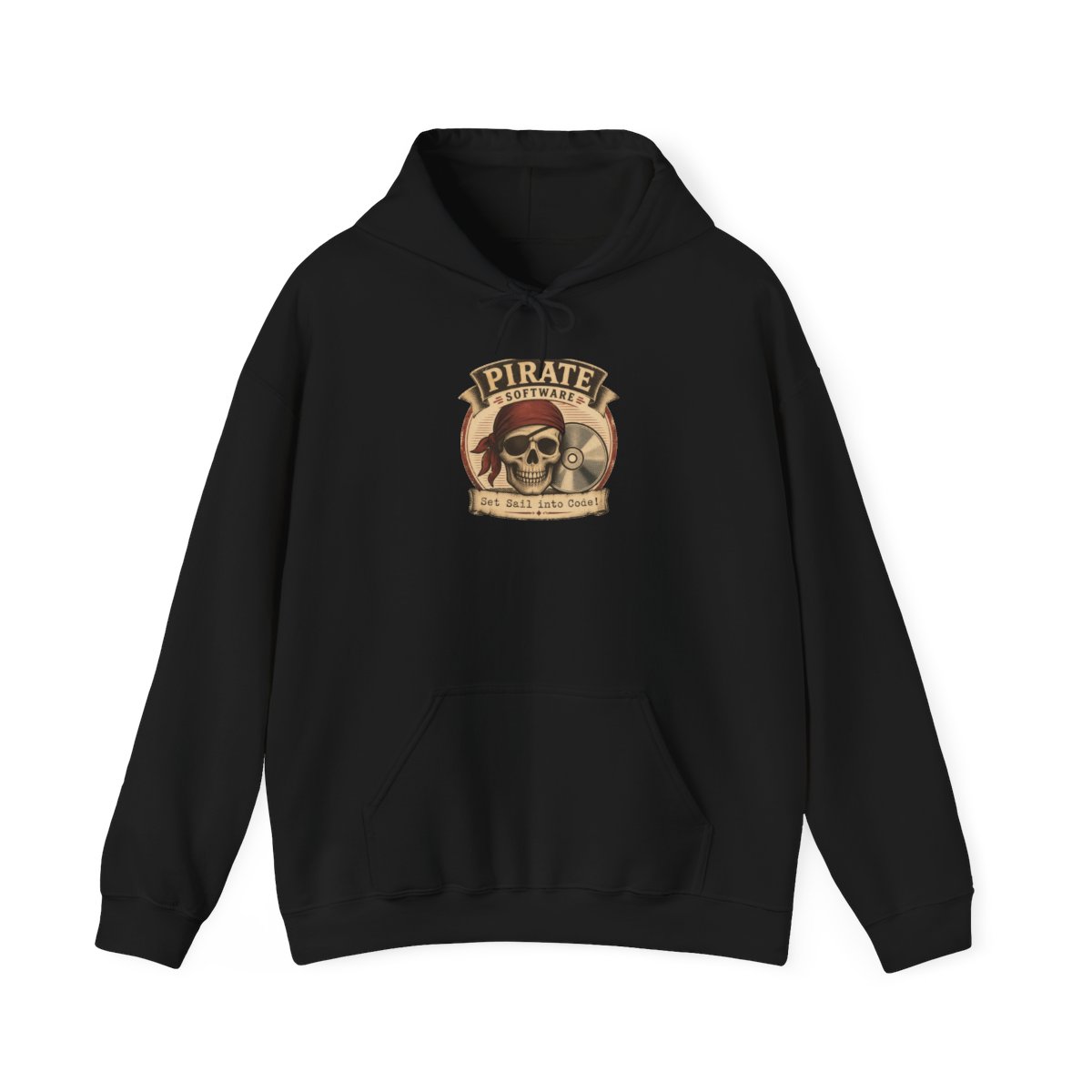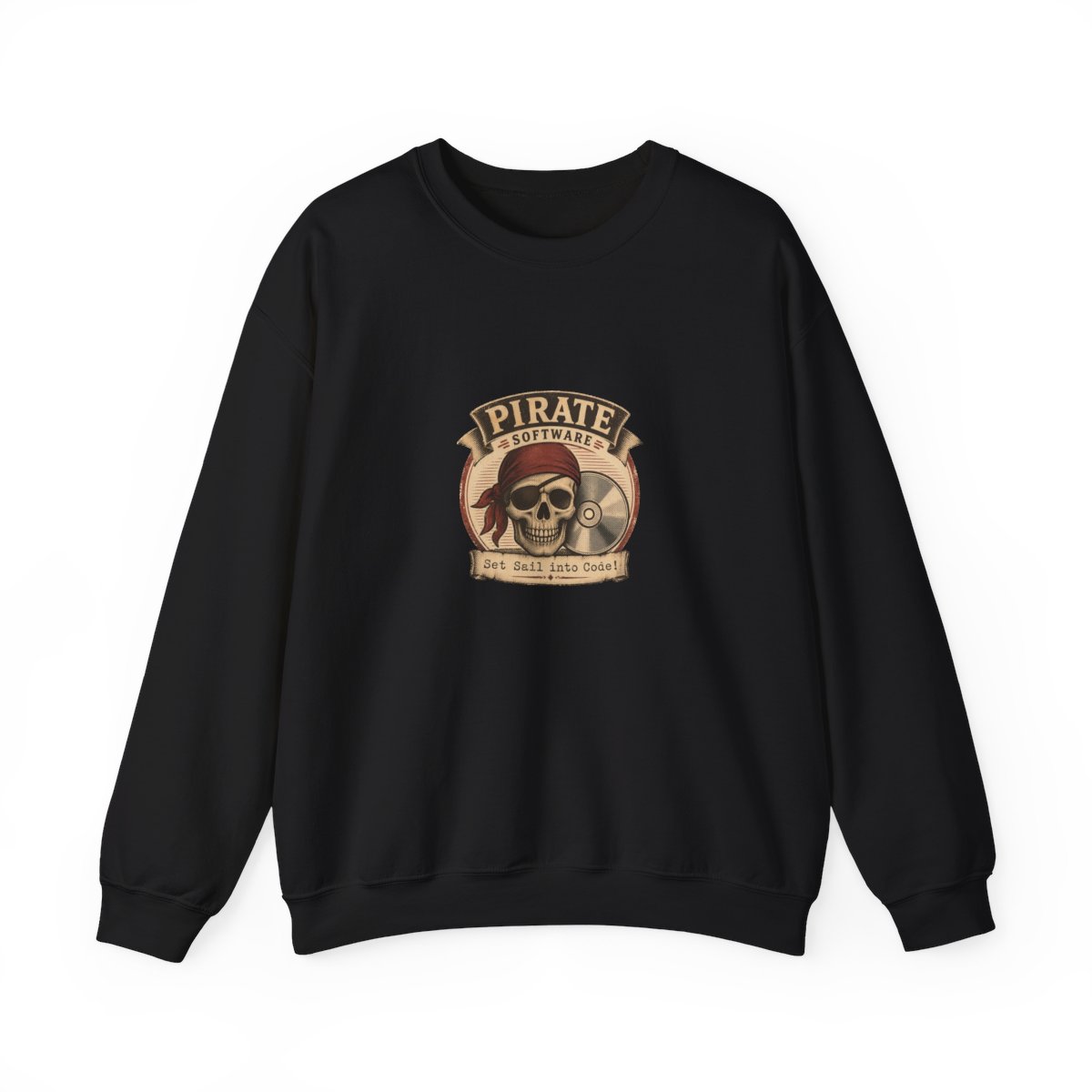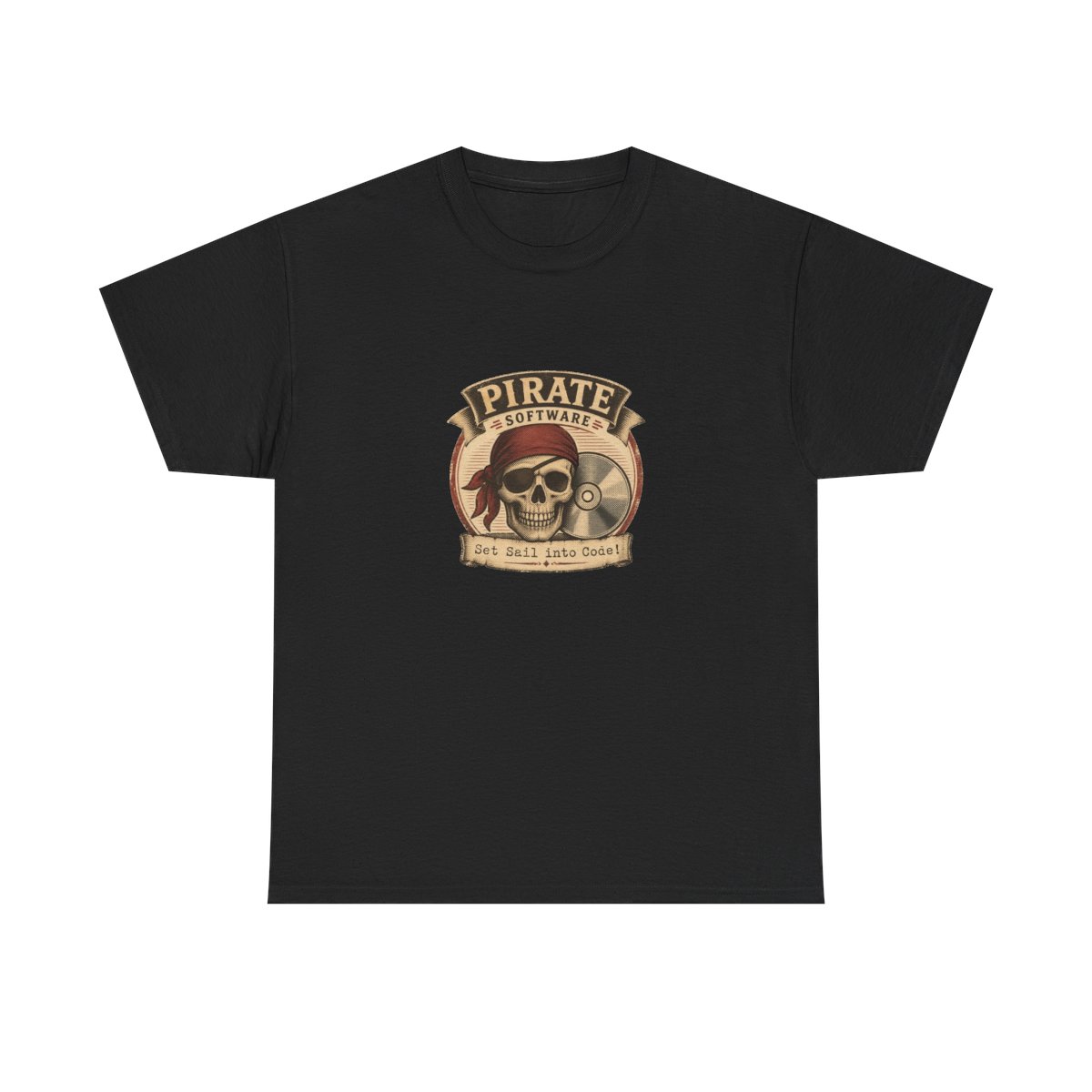
You just got your hands on that Pirate Software hoodie you've been eyeing for months. The fabric feels soft, the print is crisp, and the skull-and-crossbones emblem looks perfect. Now you want to keep it that way. Proper Pirate Software merch care isn't complicated, but it does require a few specific steps. This guide will walk you through washing, drying, and storing your gear so it stays vibrant for years.
← Back to Blog
How to Care for Your Pirate Software Merch in 2026
Keep your Pirate Software hoodies and t-shirts looking fresh for years with these expert washing, drying, and storage tips. No more cracked prints or faded colors.
Why Proper Care Matters for Your Pirate Software Gear
Your Pirate Software merch is printed on high-quality blanks - typically 100% cotton for t-shirts and a cotton-polyester blend for hoodies. The prints are DTG (direct-to-garment) or screen-printed, which means the ink sits on the fabric fibers rather than soaking in like a dye. Without proper care, those prints can crack, fade, or peel after just a few washes. In my 10+ years in POD, I've seen perfectly good shirts ruined by simple mistakes like using fabric softener or hot water.
What Happens When You Neglect Care
Common issues include:
- Cracking prints from high heat during drying or ironing
- Fading colors from harsh detergents or bleach
- Shrinking fabric from hot water or over-drying
- Pilling on hoodies from abrasive washing cycles
These problems are 100% preventable. By following the steps below, you can extend the life of your merch by years - not months.
Washing Your Pirate Software T-Shirts and Hoodies
Step 1: Turn Your Garments Inside Out
Before any wash, flip your t-shirts and hoodies inside out. This protects the printed design from direct friction against other clothes or the machine drum. The print is the most vulnerable part - treat it like a fragile screen. A simple inside-out flip reduces abrasion by at least 80%.
Step 2: Use Cold Water and a Gentle Cycle
Set your washer to cold water (below 30°C / 86°F) and choose the gentle or delicate cycle. Hot water can weaken the ink bond and shrink cotton fibers. Cold water cleans effectively without the damage. Use a mild liquid detergent - avoid powders with bleach additives. Never use fabric softener or dryer sheets; they coat the fibers and can make prints peel.
Pro tip: For extra protection, place your items in a mesh laundry bag before washing. This keeps them separate from zippers and buttons.
Step 3: Wash with Similar Colors
Sort your Pirate Software shirts by color - darks with darks, lights with lights to prevent dye transfer. Even if the print is set, darker garments can shed excess dye in the first few washes. If you have a white t-shirt, wash it with other whites only.
Drying and Ironing Tips to Avoid Damage
Step 4: Air Dry Whenever Possible
The safest way to dry your merch is to hang it up or lay it flat on a drying rack. Avoid direct sunlight, which can fade colors over time. Air drying eliminates the risk of heat damage completely. A typical cotton t-shirt dries in 2-4 hours indoors. Hoodies may take 6-8 hours - just flip them inside out after the first few hours to speed things up.
Step 5: If You Must Use a Dryer, Use Low Heat
If you're short on time, tumble dry on the lowest heat setting (no heat is even better). Remove items while they are still slightly damp and let them finish air drying. Over-drying causes shrinkage and weakens fibers. For hoodies, take them out 10-15 minutes into the cycle and let them air dry the rest of the way - this prevents the fleece lining from getting crunchy.
Common mistake: Leaving a hoodie in the dryer on high heat for a full cycle. That's a surefire way to shrink it by a full size and crack the chest print.
Step 6: Iron Inside Out with a Pressing Cloth
If you need to iron out wrinkles, always turn the garment inside out and place a thin cloth (like a cotton pillowcase) between the iron and the print area. Set the iron to a medium-low setting - no steam directly on the print. Never iron directly over the design; the heat can melt or crack the ink. For hoodies, avoid ironing the ribbed cuffs and waistband.
Storage and Longevity for Your Merch Collection
Step 7: Fold, Don't Hang (For T-Shirts)
T-shirts should be folded and stored in a drawer or on a shelf. Hanging can stretch out the neckline and shoulders over time, especially with heavyweight cotton shirts. Fold them with the print facing outward to reduce creasing on the design.
Step 8: Use Padded Hangers for Hoodies
Hoodies are heavier and benefit from wide, padded hangers to maintain their shape. Avoid wire hangers that create shoulder bumps. If you have limited closet space, fold hoodies just like t-shirts - they actually store better folded because the weight doesn't pull on the fabric.
Pro tip: Keep your Pirate Software merch away from direct sunlight and high humidity. Basements and attics are not ideal - temperature fluctuations weaken fibers over time.
Step 9: Rotate Your Collection
Don't wear the same favorite shirt three days in a row. Rotating between pieces gives each garment time to recover its shape and reduces wear on the print. I recommend having at least 3-4 shirts in rotation if you wear them weekly. Your Pirate Software hoodie can last 5+ years with rotation.
Common Mistakes to Avoid
- Using bleach or harsh stain removers: Even color-safe bleach can fade prints. Instead, spot-clean stains with a dab of mild detergent and water.
- Wringing out wet garments: Twisting wet fabric damages the fibers and distorts the print shape. Gently press out water with a towel instead.
- Drying in direct sunlight: UV rays accelerate fading on both fabric and ink. Always dry in shade or indoors.
- Storing while damp: Never put away merch that isn't completely dry. Moisture leads to mildew and fabric breakdown.
Pro Tips from the Community
Here are insider tricks from fellow Pirate Software fans who've kept their gear looking new for years:
1. Use a print protector spray: Some community members swear by specialty sprays that create a protective barrier over DTG prints, though I haven't tested this myself. If you try it, test on a small area first. 2. Freeze your jeans before washing: This reduces the need for frequent washes, which means less wear on your Pirate Software shirt paired with jeans. Freezing kills odor-causing bacteria - just put your jeans in a bag and leave them in the freezer overnight. 3. Add a half cup of white vinegar to the rinse cycle: This helps set the colors and removes any detergent residue. Don't worry about smell - it disappears after drying. This trick works great for dark hoodies.
FAQ
Can I use bleach on my Pirate Software t-shirt?
No. Bleach will discolor the fabric and damage the print. Stick to oxygen-based stain removers if needed.How often should I wash my Pirate Software hoodie?
Only wash your hoodie when it actually needs it - after 3-5 wears or when stained. Overwashing accelerates wear.Is it safe to dry clean my Pirate Software merch?
Dry cleaning chemicals can be harsh on DTG prints. Stick to hand washing or gentle machine cycles. If you must dry clean, ask the cleaner to avoid pressing directly on the design.My shirt print is peeling - can I fix it?
Once peeling starts, it's usually permanent. Prevention is best. For small areas, you can use fabric glue carefully, but results vary.Should I wash my Pirate Software gear before wearing it?
Yes, wash it first on cold inside out to remove any loose dye or residue from the manufacturing process. This sets the print better.Key Takeaways
- Always turn garments inside out before washing to protect prints
- Use cold water, gentle cycle, and mild detergent - skip fabric softener
- Air dry whenever possible; if using a dryer, use low heat and remove while damp
- Fold t-shirts; use padded hangers for hoodies
- Rotate your collection to reduce wear on each piece
Related Posts
General
How to Spot Fake Pirate Software Merch in 2026
Learn how to identify counterfeit Pirate Software merchandise by checking print quality, fabric feel...
GeneralAuthentic Pirate Software Merch: How to Spot Fakes in 2026
Counterfeit Pirate Software merch is everywhere. Here's how to tell the real fan-made gear from the ...
GeneralBest PirateSoftware Merch for Gifting to Dev Friends in 2026
Whether your friend is a terminal lover, streamer, or lore fan, our 2026 PirateSoftware gift guide c...
Shop PirateSoftware Merch
Official merchandise — premium quality, designed for the community.