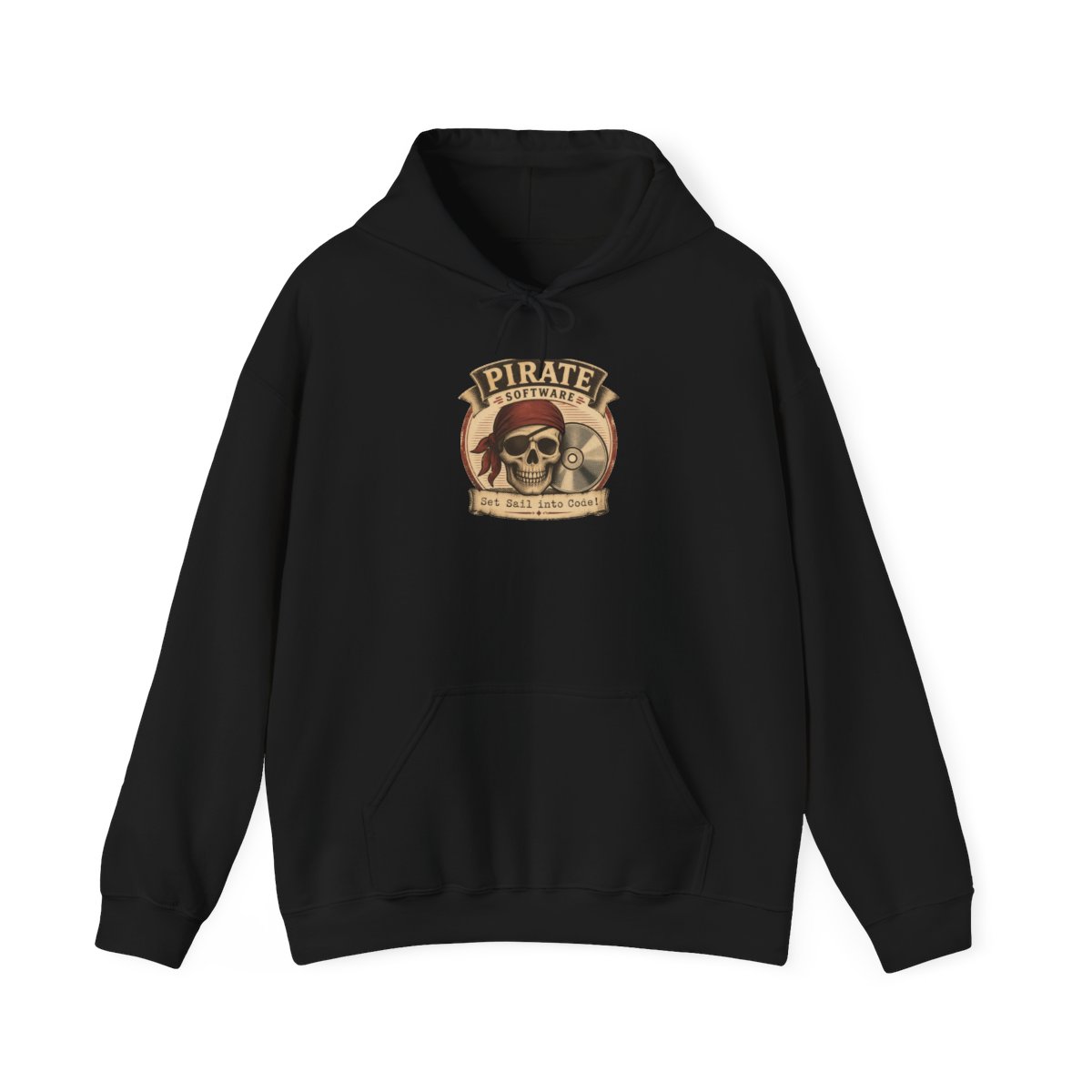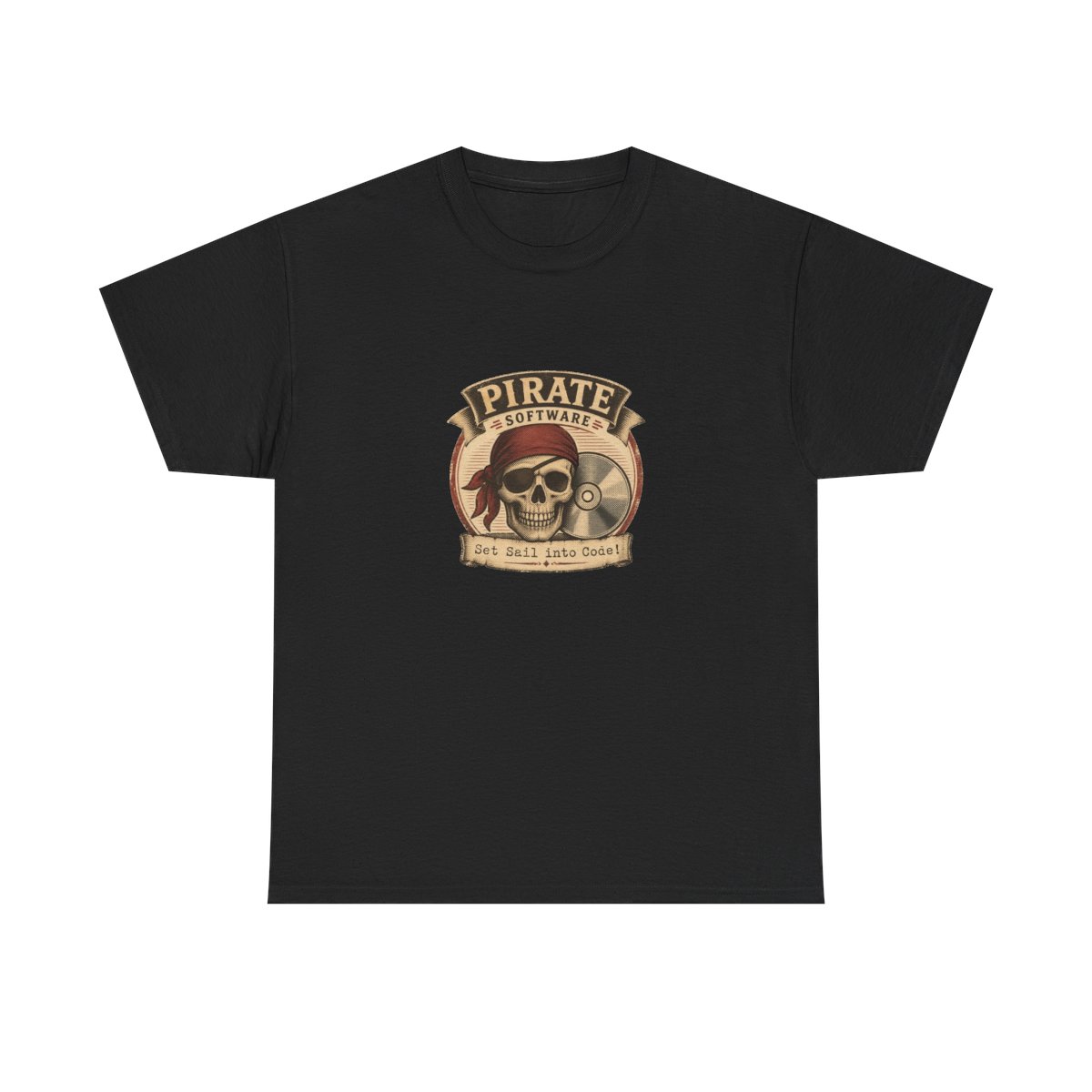
I still remember the day my favorite Pirate Software T-shirt came out of the dryer looking like a crumpled treasure map. The screen-printed anchor had cracked, and the charcoal fabric had shrunk two sizes. That was the moment I realized caring for merch isn't just about keeping it clean - it's about preserving the story it tells. After years of trial and error (and a few ruined favorites), I've learned exactly how to keep Pirate Software apparel looking fresh. Whether you're a collector or just want your daily wear to last, this Pirate Software apparel care guide will help you protect your gear through 2026 and beyond.
← Back to Blog
How to Care for Your Pirate Software Apparel 2026
Keep your Pirate Software gear looking fresh with these care tips. Learn how to wash, dry, and store your favorite T-shirts and hoodies.
Washing Your Pirate Software T-Shirts
Machine washing is fine, but the devil is in the details. Always turn your Pirate Software T-shirts inside out before washing. This protects the screen print from direct friction and detergent abrasion. Use cold water - hot water can weaken the ink bond and cause cotton to shrink unevenly. I use a gentle cycle with a mild liquid detergent; powders can leave residue that dulls prints.
Pro tip: Skip the fabric softener. It coats the fibers and can make screen prints peel faster. If you must use something, add a half cup of white vinegar to the rinse cycle - it removes soap residue and softens fabric naturally.
Drying Tips to Prevent Shrinkage
Heat is the enemy of both prints and fit. I never put my Pirate Software hoodies or T-shirts in the dryer on high heat. Instead, I air-dry them on a flat rack, away from direct sunlight. Sunlight can fade dark colors, especially the deep navy and charcoal tones Pirate Software uses.
If you must use a dryer, choose the lowest heat setting and remove the items while they are still slightly damp. This prevents over-shrinking. My go-to method: tumble dry for 10 minutes on low, then hang to finish. The Pirate Software pullover hoodie keeps its shape much longer with this approach.
Storing Hoodies to Maintain Shape
Hoodies are heavy, and hanging them can stretch the shoulders and neckline over time. I fold my Pirate Software hoodies and store them on a shelf. For long-term storage, use a cedar block or lavender sachet to keep moths away - not chemical mothballs, which can leave a smell that's hard to remove.
If you prefer hanging, use a wide, padded hanger to distribute the weight. Avoid wire hangers - they create stress points that lead to misshapen hoods. I learned this after my favorite Pirate Software hoodie developed "hanger bumps" on the shoulders.
Keeping Screen Prints Looking New
Screen prints are the heart of Pirate Software apparel. To preserve them, wash dark colors together and light colors together to prevent dye transfer. Avoid washing jeans or items with zippers alongside your printed tees - the metal can scratch the design.
For tough stains, pre-treat with a gentle stain remover on the inside of the fabric, not directly on the print. Rubbing alcohol or nail polish remover will destroy the ink. Instead, use a dab of dish soap on a soft cloth and blot. The Pirate Software 'Anchor' design has stayed vibrant for two years using this method.
When It's Time for a Replacement
No piece of clothing lasts forever. If your Pirate Software T-shirt has developed holes, faded beyond recognition, or the print is peeling off in sheets, it's time to retire it. But don't just throw it away - consider repurposing it as a cleaning rag or a project tee. I turned my first faded Pirate Software tee into a laptop sleeve.
Signs to watch for: fraying seams, thinning fabric under the arms, and cracking prints that reveal the fabric underneath. The average lifespan of a well-cared-for printed tee is about 20-30 washes. After that, the colors naturally fade. That's the perfect excuse to grab a fresh design from the Pirate Software store.
Common Mistakes to Avoid
- Using hot water: Many people think hot water gets clothes cleaner. It actually sets stains and damages prints. Cold water works just as well for everyday grime.
- Drying in direct sunlight: UV rays bleach fabric. If you air-dry outside, do it in the shade or indoors near a window with indirect light.
- Folding prints together: The ink from one shirt can stick to another if folded while damp. Always let clothes dry completely before stacking.
- Using bleach: Even color-safe bleach can break down screen print inks. Stick to oxygen-based bleach alternatives for whites.
- Ignoring care labels: The tag inside your Pirate Software apparel is there for a reason. Follow the specific instructions - some blends have special needs.
Pro Tips from the Community
The Pirate Software community on Discord shares some clever tricks. One fan swears by using a mesh laundry bag for delicate prints - it reduces friction even more than turning shirts inside out. Another recommends washing new tees in cold water with a cup of salt to set the dye before the first wear.
For hoodies, a popular tip is to zip them up and turn them inside out before washing - this protects the front print and the drawstrings. And if your hoodie strings get tangled, use a safety pin to thread them back through without twisting.
I've also heard from collectors who rotate their merch: wear each tee no more than once a week, and wash only when truly dirty. Over-washing accelerates wear, so spot-cleaning small stains can extend the life significantly.
Recommended Gear for Care
If you're serious about maintaining your Pirate Software apparel, consider these items from the store itself:
- Pirate Software 'Fresh Drip' T-shirt: A lightweight version perfect for layering and less prone to shrinkage due to its lower cotton content. Its design is printed with a thicker ink layer that holds up better to washing.
- Pirate Software Pullover Hoodie: The 80/20 cotton-polyester blend resists shrinking better than pure cotton. It's my daily go-to for fall and spring, and it keeps its shape even after dozens of washes when cared for properly.
- Pirate Software Snapback Hat: While not apparel, it completes the look. Keep it clean with a soft brush and cold water - never machine wash.
These items are designed with durability in mind, but they still need your care. Pair them with a mesh laundry bag and a gentle detergent, and you'll be set for years.
Frequently Asked Questions
Can I bleach my Pirate Software T-shirts?
No. Bleach will fade the print and damage the fabric. Use oxygen-based stain removers like OxiClean for white shirts, but avoid bleach on colored prints.How often should I wash my Pirate Software hoodie?
Only when it's actually dirty. Hoodies can go 3-5 wears between washes if not soiled. Over-washing accelerates pilling and fading.What is the best way to remove a stain from a screen print?
Blot the stain gently with a mixture of dish soap and cold water. Never scrub the print - that will peel the ink. Rinse from the back of the fabric.Can I iron my Pirate Software T-shirts?
Iron inside out on low heat, and never put the iron directly on the print. Better yet, use a steamer to avoid direct contact with the design.Should I wash my Pirate Software apparel before wearing it?
Yes, always wash new merch before wearing to remove any residual chemicals from manufacturing and to set the colors. Wash separately the first time.Key Takeaways
- Wash inside out in cold water, skip fabric softener
- Air-dry flat or tumble dry on low to prevent shrinkage
- Fold hoodies instead of hanging to maintain shape
- Screen prints require gentle care - no bleach, no scrubbing
- Replace when prints crack or fabric thins - roughly after 20-30 washes
Related Posts
Merchandise
Best Pirate Software Merch for Game Design Students in 2026
A practical guide to the best Pirate Software merch for game design students in 2026, covering hoodi...
MerchandisePirateSoftware Tote Bag Style Guide for Campus 2026
Yes, a tote can beat a backpack on campus. Here's how to style, pack, and care for a PirateSoftware ...
MerchandisePirateSoftware Accessories: Must-Haves for Devs 2026
From enamel pins to limited edition stickers, discover the best PirateSoftware accessories to person...
Shop PirateSoftware Merch
Official merchandise — premium quality, designed for the community.